|
Import P3 / P4 / P5 Files |
|
Click the Open Local Files button to import P3, P4, or P5 files stored locally on your computer.
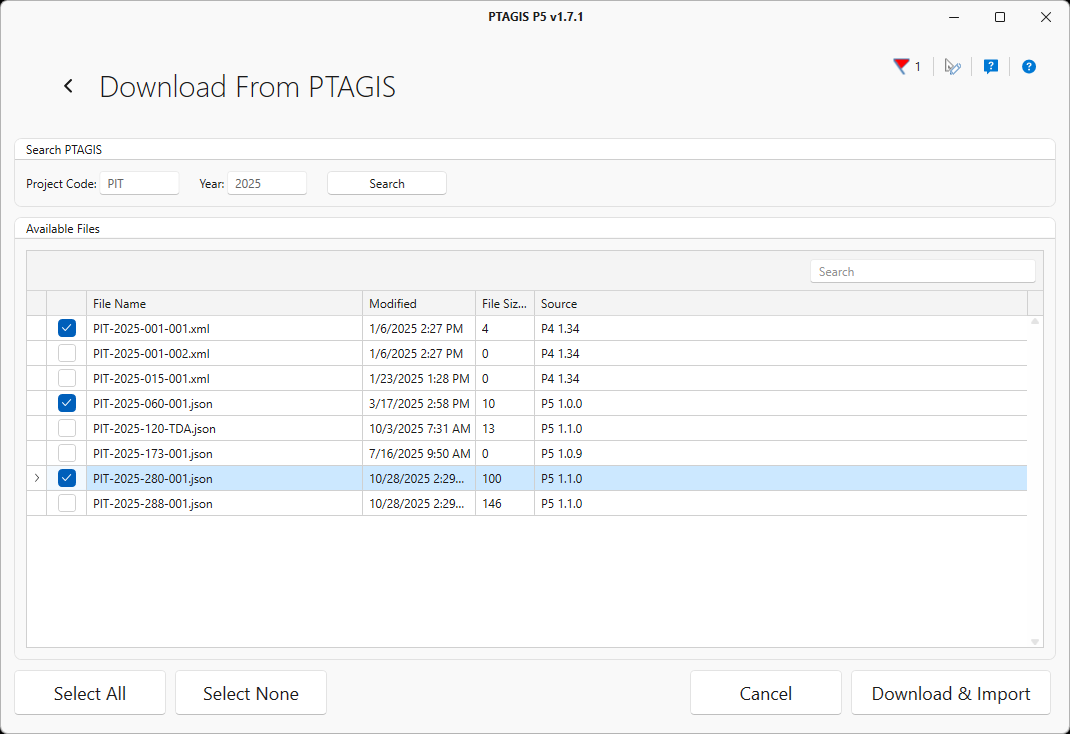
Click the Download from PTAGIS button to search the PTAGIS server for previously loaded files to download and import directly into P5. Enter a Project Code and file Year then click the Search button to retrieve a list of matching files. Select one or more files and click the Download & Import button to proceed.
The files selected from the local computer or downloaded from PTAGIS will be parsed and displayed in the Import Data Preview screen for your review.